Do We Really Need to Upgrade from AX 2012 Right Now?
So: You’re the VP of IT at a food manufacturer. Your CEO just asked if you “really need” to upgrade from AX 2012 to Dynamics 365.
You know the spreadsheet he’s looking at shows AX 2012 as the cheaper option. Stay put, avoid disruption, keep the budget flat.
But here’s what that spreadsheet doesn’t show: the warehouse supervisor who spent three hours yesterday manually reconciling inventory because the system froze during wave picking. The finance team that closes the month five days slower than your competitors. The $180,000 you’ll spend this year on AX contractors who charge premium rates because of those 174 customizations…
AX 2012 isn’t just old. It’s quietly expensive in ways that never make it into the cost comparison deck.
This article breaks down the real financial impact of delaying your D365 upgrade, especially for food and beverage operations dealing with catch-weight, lot tracking, cold storage, and the other lovely complexities that make the industry special.

Want to get access to the best independent D365 consultants for your food & beverage project? Let’s talk.
Why Are So Many F&B Manufacturers Suddenly Talking About An AX Upgrade?
Three things happened in the last 18 months that made the AX upgrade conversation unavoidable:
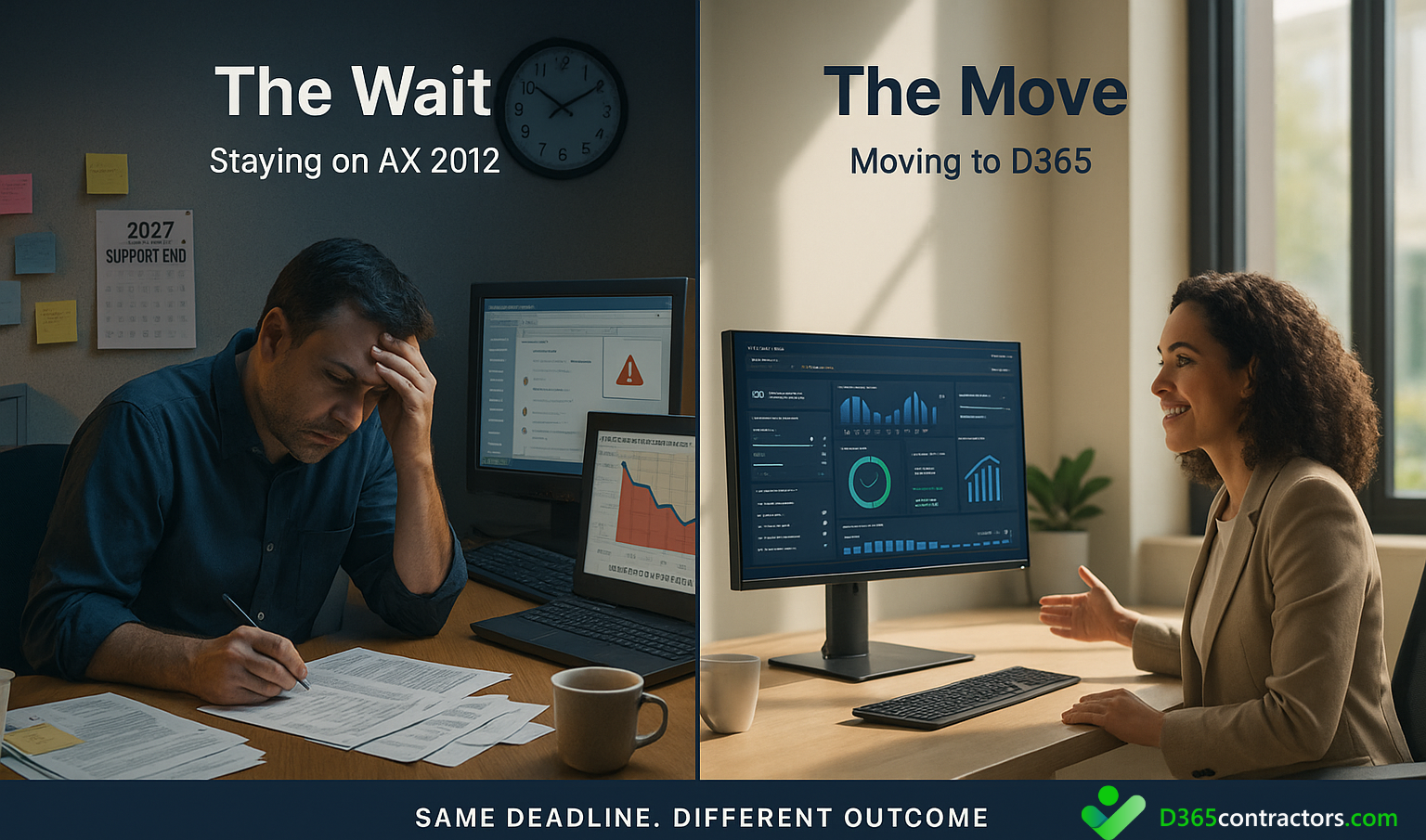
First, Microsoft ended mainstream support for AX 2012 in October 2021, and extended support ends in October 2027. That sounds far away until you realize a typical D365 implementation takes 12-18 months, plus another 6-12 months of planning before that. If you’re not having the conversation now, you’re behind.
Second, the AX talent market collapsed faster than anyone expected. Between 2022 and 2024, the number of available AX contractors dropped by roughly 40% based on our network data. The people who remain can charge whatever they want because they know you have limited options. Every F&B manufacturer we talk to mentions struggling to find AX resources at reasonable rates (but we can help!).
Third, and this one catches people off guard, your competitors already moved. The PE-backed F&B companies upgraded 18-24 months ago because their investors demanded it. They’re now operating with better warehouse efficiency, faster financial closes, and lower IT support costs. When your board sees competitor earnings calls mentioning “digital transformation” and “operational efficiency gains,” guess what question they’re going to ask you?
The conversation isn’t suddenly happening because Microsoft is pushing it (though they are). It’s happening because the economic case for staying on AX finally flipped from “probably fine for now” to “actively costing us money every month.”
AX 2012 Hidden Costs: Your Customizations Are a Monthly Tax
Food and beverage companies didn’t customize AX 2012 because they wanted to throw money at consultants. They did it because AX couldn’t handle their business out of the box. Although they were probably encouraged by their Partner too…
Catch-weight inventory. Date-controlled stock rotation. Shelf life calculations. Lot attributes for allergen tracking. Warehouse flows that account for temperature zones. EDI integrations with retailers who change their requirements every quarter. The list goes on.
Those customizations made AX work for you. But now they’re a tax you pay every single month.
Here’s what happens: Every custom object in your AX environment requires maintenance. When Microsoft releases a patch, someone has to regression test your customizations. When a developer leaves, the next person spends weeks trying to understand what the previous consultant built. If you want to add a new feature, you first have to figure out if it will break something else.
One F&B manufacturer we spoke with calculated they were spending $240,000 annually just maintaining customizations that had been built between 2013 and 2016. Not improving them. Not adding capabilities. Just keeping them working.
The problem compounds over time. The longer you stay on AX, the more technical debt accumulates. The eventual upgrade becomes more expensive because you have more custom code to refactor or rebuild.
Why Are AX Contractors So Expensive Now?
Remember when finding an Dynamics AX resource was relatively straightforward? Those days are gone.
The AX 2012 talent pool is shrinking fast. Most of the ERP talent in this space want to work with D365 now, or they’re going independent (and don’t care as much if the rate is fair!). The result is basic supply and demand economics, except the supply is disappearing and the demand is concentrated among companies who desperately need help.
We track contractor rates daily at d365contractors.com. Five years ago, a solid AX technical resource might have been $120 per hour. Today, that same skillset commands $175 to $200, sometimes more. Not because the work got harder, but because the person doing it knows they’re one of the last people who can (and is still willing to) do it.
Here’s the bigger issue: Many AX contractors now charge senior-level D365 rates for legacy support work. They’ve correctly figured out that companies with aging AX systems are in a bind. You can’t easily move to D365 overnight, so you’re stuck paying premium rates for maintenance on a system that’s losing value every month.
For food and beverage companies with heavily customized environments, this talent scarcity hits harder. You don’t just need any AX person. You need someone who understands manufacturing, ideally your specific segment. Finding an AX resource who knows catch-weight and understands how GS1 compliance works in a cold storage environment? Good luck with that. (But we can help!)
Why Is Our Warehouse Performance Getting Worse on AX?
If you’re running a food and beverage operation with any complexity in the warehouse, you’ve probably noticed AX 2012 struggling to keep up. AX performance is an issue for most.
Temperature-controlled storage across multiple zones. High-volume picking during peak season. Mixed-unit inventory where the same item exists as cases, each, and pallets. Catch-weight receiving where every incoming pallet needs to be weighed and recorded. Supply chain windows measured in hours, not days.
AX 2012 was built before this level of warehouse complexity became standard in F&B. The result is systems that work fine until they don’t.
The symptoms show up in consistent ways: Mobile scanners timing out during picks. Slow replenishment calculations that leave pickers waiting. Outbound wave processing takes 15 minutes when it should take one. Picking lists that freeze and require someone in IT to clear stuck records. Workers who’ve learned to override the system because it’s faster than waiting for it to work properly.
One operations director told us his warehouse accuracy dropped to 91% because pickers stopped trusting the system’s location recommendations. They’d been burned too many times by stale data, so they started using their own tribal knowledge instead of following system guidance.
The cost here is measurable. Take a facility with 50 warehouse workers. If AX performance issues cost each worker 10 minutes per shift, that’s 8.3 hours of lost productivity daily. At a fully loaded labor rate of $25 per hour, you’re losing about $208 per day. Over a year, that’s $54,000 in wasted warehouse labor.
That’s just one facility. Many F&B companies run multiple warehouses.
Why Does Month-End Close Take So Long?
In food and beverage manufacturing, finance operates under intense pressure. Margins are thin, typically between 2% and 8% depending on the segment. Inventory turns fast. Waste, spoilage, and write-offs need real-time visibility to prevent them from destroying profitability. Retailer chargebacks show up fast and require immediate investigation.
AX 2012 makes all of this harder than it should be.
Finance teams report consistent problems: Financial dimensions that break when someone modifies them incorrectly. Manual reconciliations between AX and the WMS because the integration doesn’t sync properly. Month-end close processes that take a week instead of three days. Cost accounting that can’t accurately track ingredient costs through complex production processes. Poor visibility into actual production costs versus standard costs.
One CFO described their month-end process as “archaeology.” The finance team knew the numbers existed somewhere in AX, but finding them required digging through multiple screens, running custom reports that sometimes worked, and manually validating everything because nobody trusted the automated calculations anymore.
It’s not even about bad training. These are system limitations that create real financial risk.
Every hour your finance team spends fighting AX is an hour they’re not spending analyzing the business or identifying cost savings opportunities.
Can AX 2012 Handle Current Food Safety and Traceability Requirements?
Food and beverage manufacturers face more regulatory scrutiny than almost any other industry. GS1 standards for product identification. Full lot traceability from supplier through production to customer. FDA requirements that get stricter every year. SQF certifications. Retailer-specific requirements that change constantly. Recall readiness that’s measured in minutes, not hours.
AX 2012 was built before many of these requirements became standard. Adding them required customizations that create their own compliance risks.
Do you know anybody that doesn’t have an intolerance these days?
The most serious exposure is traceability. In a recall scenario, you need to identify every affected lot, every customer who received it, and every ingredient that went into it. You need this information immediately, not after a day of running reports and cross-referencing spreadsheets.
If your plant manager has to tell the FDA “give me until tomorrow to trace that lot,” you have a serious problem. One that could result in expanded recalls, regulatory action, and brand damage that takes years to repair.
D365 handles modern compliance requirements natively. Real-time traceability, automated audit trails, integrated quality management, and supplier collaboration tools are built into the platform. You’re not fighting the system to maintain compliance anymore, the tool is literally designed for it.
The gap between what regulators expect and what your system can easily deliver grows wider each month.
Why Do Our Integrations Keep Breaking?
The typical food and beverage technology stack connected to AX looks something like this: EDI connections to major retailers, a separate WMS, production planning systems that may or may not sync properly, homegrown MRP logic that someone built in 2014, manual import processes for supplier data, and partner-written connectors that nobody currently at the company fully understands.
Every one of those integrations is a potential failure point. EDI mapping changes break overnight shipments. The WMS loses sync with AX and inventory counts become fiction. Production systems feed bad data that finance has to manually correct. Someone changes a field in AX without realizing it breaks an integration, and suddenly orders aren’t flowing to the warehouse. Dammit.
When these integrations break, the cost shows up as consultant time, operational downtime, delayed shipments, and the general chaos of trying to manually work around a system that’s supposed to automate these processes.
It’s not uncommon for IT directors to tell us they budget $150,000 annually just for “integration maintenance”.
D365 reduces this integration tax significantly. Modern API-based connections, built-in data entities, Power Automate flows, and standardized connector patterns mean fewer brittle point-to-point integrations and less dependency on specialized consultants who are the only ones who understand how everything connects.
What Happens If We Wait Another Year?
Every year you delay the D365 upgrade, several things happen that make the eventual migration harder:
The people who understand your AX customizations leave the company or move to D365 F&O roles. Institutional knowledge walks out the door. Someone new has to reverse-engineer what was built and why.
Your internal team loses the opportunity to gain D365 experience gradually. The skill gap widens between what you have and what you’ll need.
The pressure from the board increases because competitors have already moved and are seeing benefits. The upgrade becomes urgent instead of planned.
Your dependency on your implementation Partner grows because you have nobody internal who can push back on recommendations or validate estimates.
The cost per hour for AX support continues rising because the talent pool continues shrinking.
When you look at it like this: delaying the ERP upgrade doesn’t make it easier or cheaper, don’t you think?
How Are Other F&B Companies Handling This?
The companies handling this transition best aren’t the ones with the biggest budgets or the largest internal IT teams. They’re the ones being strategic about how they build capability.
Here’s what we’re seeing:
- They start with assessment, not ERP implementation. Before committing to a full D365 rollout, successful F&B companies bring in experienced people (independent of the implementation partner) to evaluate their current state. What customizations actually need to be rebuilt? Which processes can be simplified? Where are the biggest risks? This assessment phase typically takes 6-12 weeks and saves months of rework later.
- They build internal capability gradually. Instead of outsourcing everything to a partner, these companies invest in training their own team on D365 fundamentals. They send key people to Microsoft training. They run proof-of-concept projects on non-critical areas. By the time they’re ready for the full implementation, they have internal champions who can push back on partner recommendations and validate the approach.
- They use a hybrid staffing model. Rather than going all-in with a single place for resources, many F&B manufacturers are mixing it up. A core partner for the overall program management and integration work, combined with independent specialists for specific capabilities where they need deep expertise without the overhead. Get the most out of your independent contractor interview with our D365 Contractor Checklist. This hybrid approach has some real advantages. You get senior-level talent for focused engagements instead of committing to multi-year retainer relationships. Someone needs to assess your warehouse customizations and recommend a modernization approach? That’s a six-week engagement, not a six-month one. You avoid the “junior army” problem where partners staff projects with less experienced resources who need supervision from the senior people you thought you were getting.
- They treat it as a business transformation, not an IT project. The implementations that go well have executive sponsorship from operations, finance, and supply chain leadership, not just IT. They’re redesigning processes, not just replacing technology.
The common thread across successful transitions is flexibility in how you source talent and expertise. Whether that’s independent D365 contractors with F&B experience, a boutique implementation partner, or a mix of both, the key is having people who understand your industry and transfer knowledge rather than creating dependency.
The Real AX 2012 Hidden Costs Add Up Fast
For food and beverage manufacturers, keeping AX 2012 running isn’t the conservative, low-risk option anymore. It’s probably the expensive one.
The costs show up in multiple places: declining warehouse productivity as systems struggle with volume, finance teams spending extra days closing the month, compliance exposure that grows every year, rising contractor rates for legacy support, integration failures that create operational chaos, and the increasing difficulty of eventually making the move.
The question isn’t whether to upgrade. It’s when, and how to do it in a way that minimizes risk and maximizes the return on your investment.
If you’re ready to assess your situation and understand what a practical upgrade approach looks like for your operation, we can help connect you with boutique partners & contractors who’ve successfully guided F&B companies through this exact transition.
Email me here and I’ll send you the “Upgrade Readiness Talent Plan” that PE-backed food manufacturers are currently using to prepare for their D365 move.